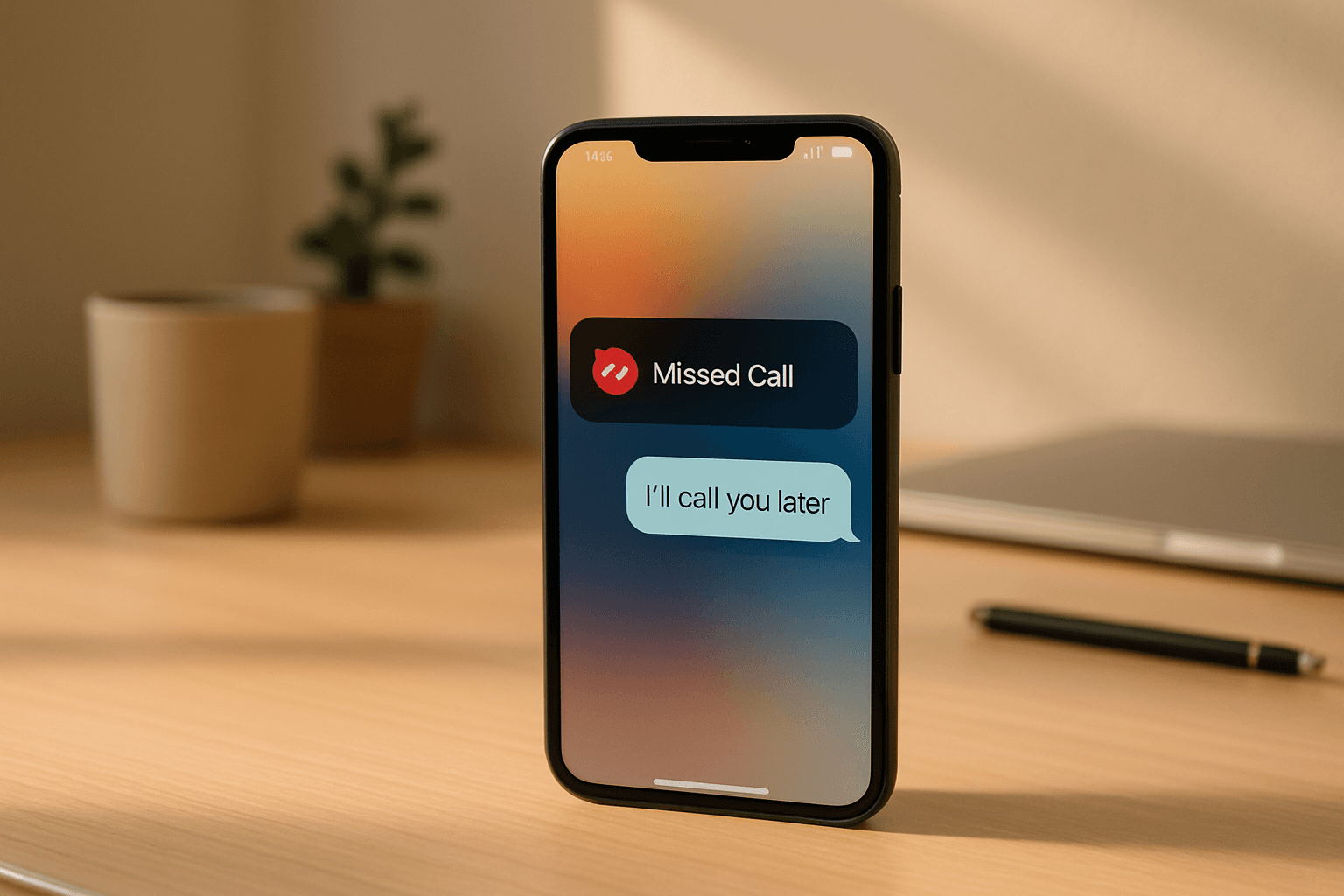
85% of callers who reach voicemail won’t call back. They move on to the next result on Google — and that’s usually your competitor. For most small businesses, a missed call isn’t a minor inconvenience. It’s a lost job.
The good news: you don’t need to hire a full-time receptionist to fix this. You need a reply pipeline that fires automatically the moment a call goes unanswered. I’ve built and run this exact system at Studio XP. This post walks through the 5-step workflow, the tools, the trigger logic, and the honest trade-offs between three different approaches.
Whether you’re a contractor, a clinic, or a local service business — if you’re losing leads to missed calls, this is for you.
Why “just send a text” isn’t enough
Most of the content you’ll find on this topic stops at step one: “send an automatic SMS when you miss a call.” That’s a start. But it’s not a system.
The problem with a single auto-text is that it opens a conversation and then leaves it to die. The lead replies “yes, I’m interested” and nobody follows up for four hours. Or worse — nobody follows up at all, because the reply got buried in a shared inbox.
A real missed-call follow-up system does five things in sequence: 1. Detects the missed call instantly 2. Sends a personalised text response within 60 seconds 3. Qualifies the lead automatically 4. Books a callback or a calendar slot 5. Logs everything to your CRM and triggers a fallback if there’s no response
That’s the difference between a single message and a reply pipeline. Let me show you how to build it.
What does automating missed call follow-up actually mean?
Automating missed call follow-up means using software to trigger an immediate, personalised SMS (and optionally email) the moment an inbound call goes unanswered — then running a short qualification sequence that captures the lead’s need and books them, all without human involvement until the lead is warm.
Done right, this recovers leads that would otherwise be gone within 5 minutes of hanging up.
The 3 approaches compared
Before diving into the workflow, it helps to know what your options are. Here’s an honest breakdown:
| Approach | Response time | Lead recovery | Best for |
|---|---|---|---|
| Manual follow-up (someone calls back) | 5 min – 4 hours | Low (depends on staff) | High-ticket, low-volume |
| Missed call text-back (SMS only) | Under 60 seconds | Medium | Businesses with < 20 calls/day |
| AI reply pipeline (SMS + qualification + booking) | Under 60 seconds | High | Any business losing leads to volume |
The text-back approach is a big improvement over nothing. The AI pipeline is what we run at Studio XP — it’s not significantly harder to set up, but it recovers far more of the leads who would’ve ghosted after getting a generic SMS.
The 5-step workflow
Step 1: Detect the missed call
Your phone system needs to emit a webhook or trigger when a call goes unanswered. Most modern VoIP and business phone platforms support this.
If you’re using [AFFILIATE:gohighlevel] (GHL), missed calls trigger a built-in workflow automatically — no third-party webhook needed. The “missed call” trigger is native to the platform. If you’re on a different phone system (RingCentral, Twilio, or a basic VoIP), you’ll configure a webhook to fire on no-answer and pipe it into your automation layer.
In [AFFILIATE:n8n], this looks like an incoming webhook node that receives the caller’s number, the time, and which line was called. That’s all you need to fire the rest of the sequence.
Step 2: Send a personalised SMS within 60 seconds
Speed is everything here. Research from LeadsOrbit shows that response time under 5 minutes dramatically increases lead conversion — waiting even 30 minutes drops your odds of qualifying a lead by roughly 21x.
The message matters too. “Sorry we missed your call, how can we help?” converts better than a generic “we’ll call you back.” The key is that it sounds human, names the business, and opens a two-way conversation.
Here’s roughly what we send at Studio XP:
“Hey, it’s [Business Name] — sorry we just missed you! What were you calling about? We’ll get back to you fast.”
Short. Casual. Opens a reply. That’s intentional.
Step 3: Qualify the lead automatically
This is the step 99% of “missed call text-back” guides skip entirely.
Once the lead replies, you don’t just want to know their name — you want to know: what service, what timeline, rough budget or job size. This is where an AI conversation layer earns its keep.
The AI handles the back-and-forth: “What kind of job is it?”, “Roughly when are you looking to get started?”, “Are you in [service area]?” It collects the answers, structures them, and tags the lead by intent level. Hot leads (clear job, near-term timeline) get escalated immediately. Tire-kickers stay in a nurture sequence.
I built this in GHL using a conversational SMS bot. The same logic works in n8n if you pipe lead replies into an OpenAI node that extracts intent and routes accordingly.
Step 4: Book a callback or a calendar slot
Once you have a warm, qualified lead, the AI sends a booking link or offers two specific time slots for a callback.
“Offering two times” outperforms a generic Calendly link because it creates a soft commitment — the lead doesn’t have to go find a time, they just say “Tuesday works.” That reply automatically books the slot and sends a confirmation text.
At Studio XP we use GHL’s native calendar for this. The lead books directly into the team’s calendar and gets an automated confirmation SMS and reminder 1 hour before the call. No human touches this until the call actually happens.
Step 5: CRM log + fallback sequence
Every touchpoint gets logged: which number called, what the AI said, what the lead replied, what slot was booked. This is non-negotiable for any business with more than a handful of leads per week.
If the lead doesn’t reply to the initial text within 30 minutes, a fallback fires: a second SMS from a slightly different angle (“We still have availability this week — want us to give you a quick call?”). If they still don’t reply after 24 hours, they move into a low-frequency nurture sequence — a few follow-up messages spread over the next 7 days.
On the voicemail side: if the fallback texts don’t land, a ringless voicemail drop goes out. The lead gets a short, friendly voice message without their phone actually ringing. This is a surprisingly high-recovery tactic for leads that have gone cold — Panterra Networks notes that combining SMS and voice touchpoints significantly outperforms either channel alone.
A realistic picture of what this looks like in practice
Picture a plumbing business — 15–20 inbound calls on a busy day. The owner is on a job. Two calls go unanswered between 2 and 4pm.
Without automation: both callers hit voicemail, don’t leave a message, and call the next plumber in the search results. Two jobs gone.
With this pipeline: both callers get a text within 45 seconds. One replies, gets qualified by the AI, books a callback for 5pm. The owner calls back with full context already logged — job type, location, urgency. The other caller doesn’t reply — the fallback text fires at 2:30pm, and they book the next morning.
That’s not a hypothetical. That’s the actual reason we build these systems at Studio XP.
What tools do you need?
You don’t need an enterprise stack. Here’s what runs this workflow:
- Phone system with webhook/no-answer trigger: GHL (built-in), Twilio, or any VoIP with webhook support
- Automation layer: [AFFILIATE:gohighlevel] for an all-in-one option, or [AFFILIATE:n8n] if you prefer self-hosted and want more control over the logic
- AI conversation layer: native GHL bots, or OpenAI API calls via n8n if you want custom prompting
- Calendar/booking: GHL calendar, Calendly, or Cal.com
- CRM: GHL, HubSpot free, or whatever you’re already using
If you’re starting from scratch, GHL is the fastest path to a working pipeline — most of this is native. If you want to own your stack and avoid monthly SaaS fees, n8n + a separate CRM works well but takes longer to configure.
For a broader look at how this fits into a full AI receptionist setup — including how calls that do get answered can also be automated — see our AI Receptionist for Small Business guide.
FAQ
How fast should the automated text go out after a missed call?
Under 60 seconds is the target. The research from GetNextPhone shows that leads contacted within the first minute are dramatically more likely to convert than those reached after even a few minutes. Speed signals reliability. If your automation is firing 5–10 minutes after a missed call, fix the trigger — that gap costs you leads.
Will customers find an auto-text annoying or impersonal?
Not if it reads like a human sent it. The failure mode is a robotic message that screams “this is automated.” Write the SMS the way you’d text a customer yourself — short, casual, name the business, ask an open question. Most leads are relieved to get a fast response; they’re expecting voicemail. The goal isn’t to hide that it’s automated — it’s to make the experience feel attentive regardless.
Do I need a CRM to set this up?
No, but you should have one before you start generating volume. Without a CRM, leads and their replies pile up across SMS threads and nobody can see the full picture. Even a free HubSpot account or a simple Airtable base is better than nothing. The moment you have more than 5–10 inbound leads a week, untracked conversations become a real liability.
What’s the difference between missed call text-back and an AI receptionist?
Missed call text-back is reactive — it fires after the call is already lost. An AI receptionist is proactive — it answers the call in real-time, qualifies the lead, and books them without ever reaching voicemail. The reply pipeline in this post is the middle layer: it catches what the AI receptionist misses (e.g., after-hours calls that still go to voicemail, or calls on lines not covered by the AI). The two systems work best together.
Can I build this without coding?
Yes. GHL’s workflow builder is no-code and handles the majority of this setup through a visual drag-and-drop interface. n8n has a steeper learning curve but is still mostly visual — the main skill you need is understanding how webhooks and conditional logic work, not writing actual code. If you’re comfortable with tools like Zapier, you can run a basic version of this pipeline in an afternoon.
Conclusion
Three things to take away from this:
-
A single auto-text is not a system. A real missed-call pipeline detects, qualifies, books, and logs — in sequence, automatically, within 60 seconds of the missed call.
-
Speed is the variable that matters most. The lead who doesn’t get a reply in the first minute is almost certainly calling someone else. Automation isn’t about replacing the human conversation — it’s about making sure the human conversation actually happens.
-
This is buildable without a big team or budget. GHL or n8n, a webhook trigger, and a well-written SMS template. You don’t need enterprise software. You need the right sequence.
If you want this built for your business — the full pipeline, configured and tested — book a free 30-minute call with me here. We’ll look at your current setup, identify where leads are falling through, and map out exactly what needs to change.
What does your current missed-call follow-up look like — are you recovering those leads, or are they just gone?