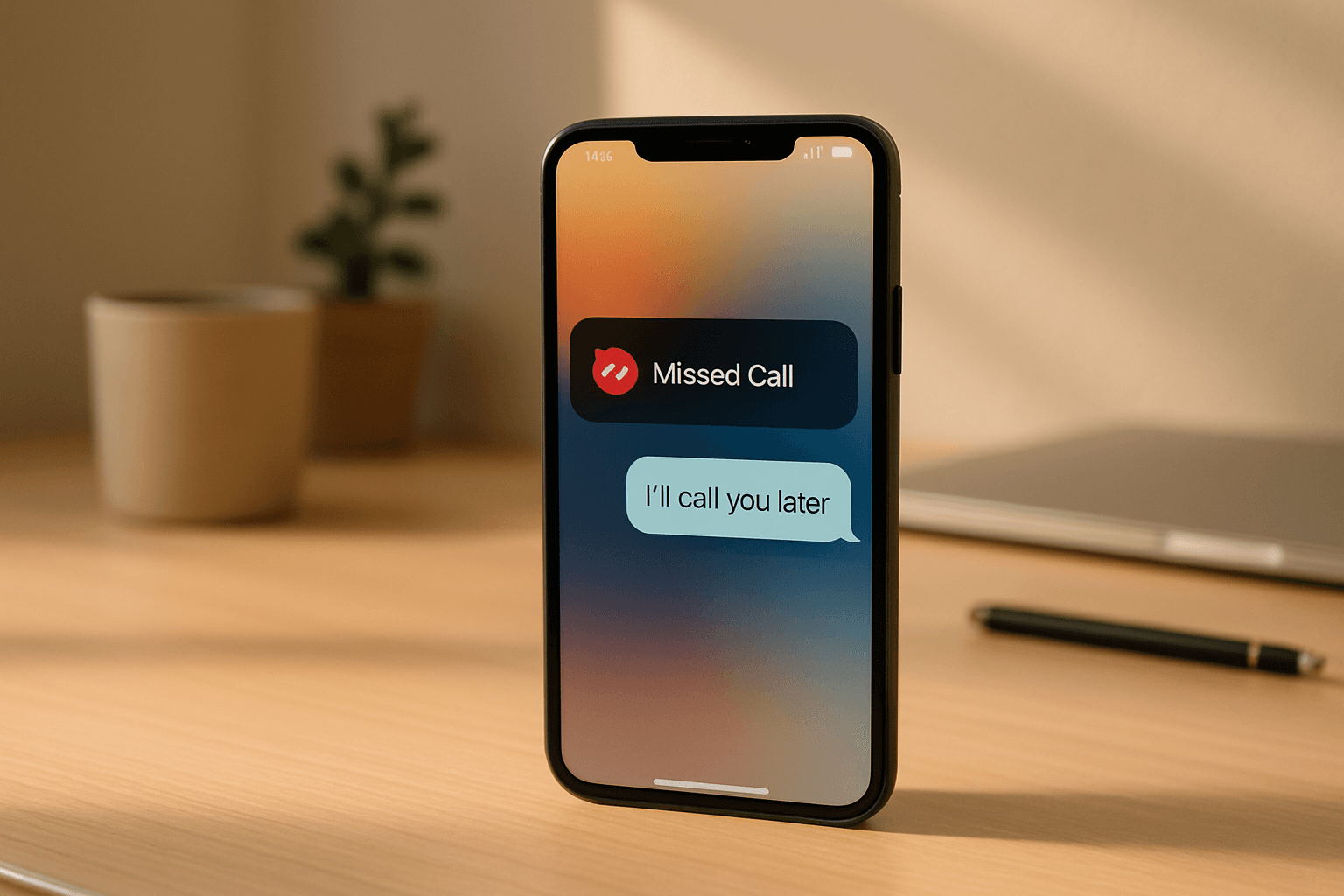
Your phone rang at 9 PM. They needed a quote before the morning. You were at dinner. They called your competitor instead — and booked with them.
Voicemail drop automation for small business is the system that fires a pre-recorded voicemail the moment you miss a call, so the lead hears your voice before they even think about Googling someone else. This guide walks you through the exact setup workflow I use inside Studio XP’s own outreach pipeline — trigger, recording, delivery, CRM sync, and compliance — end to end.
If you’re a small business owner tired of watching leads go cold after a single missed ring, this is for you.
What Is Voicemail Drop Automation?
Voicemail drop automation lets you deliver a pre-recorded audio message directly into a caller’s voicemail inbox — either when they don’t pick up, or as a standalone “ringless” drop that never makes their phone ring at all. For small business, it means every missed call gets an immediate, personal-sounding follow-up without you lifting a finger.
That’s the 40-word version. Here’s everything you actually need to know to set it up.
Two Types of Voicemail Drop (and When to Use Each)
Before you touch any software, you need to know which type fits your use case.
1. Triggered voicemail drop (after a missed inbound call) Your phone rings, nobody answers, the call goes to voicemail — but instead of silence or your carrier’s generic greeting, your automation fires a custom recorded message into the follow-up queue. The system can also immediately send an SMS alongside it.
This is the version I use primarily in Studio XP’s missed-call recovery workflow. It pairs directly with the 5-step follow-up automation sequence — the voicemail drop is step one of that sequence.
2. Ringless voicemail drop (outbound prospecting) Your message lands in someone’s voicemail inbox without ever ringing their phone. Common in sales outreach and appointment reminder workflows. Legally more complex (more on that below).
For most small business owners, the triggered inbound version is where to start. Lower complexity, immediate ROI, no compliance headaches.
Does Voicemail Drop Actually Work for Small Business?
Yes — especially for service businesses where speed-to-lead is everything. Research consistently shows that the probability of reaching a lead drops sharply within minutes of a missed call. A voicemail drop that arrives within 30 seconds of the missed call keeps you top-of-mind while the lead is still thinking about their problem.
When I was cold-calling on behalf of clients, the opener that consistently got owners to engage was simply: “I noticed your calls go to voicemail — 80% of people who hit voicemail hang up and call the next company.” It lands because it’s true. The voicemail drop is the automation that solves exactly that problem.
How to Set Up Voicemail Drop Automation for Small Business: Step-by-Step
Step 1 — Choose Your Platform
You need a platform that handles VoIP, automation workflows, and voicemail drop natively. The one I’ve built on (and the strongest option for small business right now) is GoHighLevel (GHL). [AFFILIATE:gohighlevel]
GHL gives you: - Missed-call triggers built into the workflow builder - Native voicemail drop with MP3 upload - CRM contact sync - Two-way SMS alongside the drop
Other options exist (VoiceDrop.ai for HubSpot-native setups, Twilio for fully custom builds), but for an owner-operator who wants this running in an afternoon without a dev team, GHL is the practical choice.
Step 2 — Record Your Voicemail Audio
This is the step most guides skip — and it’s where most voicemail drops fail.
Your audio needs to sound like you picked up the phone and left a personal message, not like a broadcast.
What works: - First person, conversational. “Hey, it’s Detlev — I saw you tried to reach us and I wanted to get right back to you.” - Under 30 seconds. Aim for 20. - Name the business once, give a callback number, say what you can help with in one sentence. - Record on your phone’s voice memo app in a quiet room — not on your laptop microphone.
What kills response rate: - Corporate phrasing (“Thank you for reaching out to us”) - Listing services - Anything over 35 seconds
Export as MP3, 128kbps is fine.
Step 3 — Build the Trigger Workflow
Inside GHL (or your chosen platform), the workflow trigger is: Contact activity → Missed call.
Here’s the exact logic I use:
- Trigger: Inbound call → missed (no answer within X rings)
- Wait: 0–30 seconds (immediate or near-immediate)
- Action: Send voicemail drop → upload your MP3
- Action (parallel): Send SMS — “Hey, just tried to reach you. Give me a call back at [number] when you get a chance — [Name].”
- Action: Update contact record → tag “missed-call-voicemail-sent”
The SMS and voicemail drop together outperform either alone. The voicemail gives you the human voice moment; the SMS gives them a tap-to-call button.
Step 4 — Sync to Your CRM
Every missed call that triggers the workflow should create or update a contact record automatically.
In GHL this is native — the missed-call event creates a contact if one doesn’t exist, or updates the existing one with a “last contacted” timestamp.
If you’re using a separate CRM (HubSpot, Pipedrive), use VoiceDrop.ai’s workflow approach for HubSpot-specific enrollment triggers — it works on similar logic.
The key data to capture per drop: - Contact name and number - Time of missed call - Whether they called back (close the loop)
This is how you stop losing leads in a spreadsheet and start seeing a real pipeline.
Step 5 — Test Before You Go Live
This sounds obvious. It’s also the step everyone skips and regrets.
- Call your own number from a different phone, don’t answer
- Confirm the voicemail drop fires (check your voicemail inbox)
- Confirm the SMS sends
- Confirm the contact record is created or updated in CRM
- Listen to the actual voicemail playback — audio quality issues are invisible until you hear them
Run this test with three different numbers (mobile, landline, VoIP) if you can. Voicemail delivery can behave differently across carrier types.
Step 6 — Add Compliance Guardrails
This is the step that separates people who run this sustainably from people who get burned.
For inbound missed-call drops (responding to someone who called you): this is low-risk. The person initiated contact. Standard callback behaviour.
For outbound ringless voicemail drops (dropping into a stranger’s voicemail without consent): this touches FTC Telemarketing Sales Rule territory and, in some states, TCPA. The rules change regularly.
Practical guardrails: - If dropping to cold lists, work only with contacts who have opted in or who have a prior business relationship with you - Include your business name and a callback number in every drop — required - Honor do-not-call requests immediately - If you’re operating in Australia (like Studio XP will be from end 2026), check ACMA’s Do Not Call Register rules — different framework
When in doubt, keep voicemail drops in the inbound-response lane and use SMS + email for cold outreach.
Where Voicemail Drop Fits in the Bigger Missed-Call System
A voicemail drop on its own is a patch. A voicemail drop inside a complete missed-call recovery workflow is a system.
The full sequence I recommend: missed call → voicemail drop + SMS (immediate) → follow-up SMS at 2 hours → email at 24 hours → second call attempt at 48 hours. Every step logged in CRM, no manual work after setup.
That complete workflow is covered in depth in the missed call follow-up automation guide. The voicemail drop is step one of five.
And if missed calls are a recurring problem because no one’s answering the phone in the first place — that’s an AI receptionist problem, not just an automation problem. Worth reading if you’re losing more than a few calls a week.
FAQ
What’s the difference between a voicemail drop and a cold call?
A cold call rings the prospect’s phone live and requires someone to answer. A voicemail drop delivers a pre-recorded message directly to their voicemail inbox — either triggered by a missed inbound call, or as a ringless outbound drop that never rings the phone. Voicemail drops are asynchronous; cold calls are real-time.
Is ringless voicemail drop legal for small business?
In the US, ringless voicemail drops to consumer numbers are regulated under the TCPA and FTC’s Telemarketing Sales Rule. You generally need prior express consent for marketing drops to mobile numbers. Business-to-business drops have more flexibility. Laws vary by state and country — always consult the current FTC and TCPA guidance before running outbound campaigns.
Do voicemail drops still work in 2026?
Yes — particularly as a triggered response to a missed inbound call. The person already tried to reach you; hearing your voice within 30 seconds of their missed call is a high-signal touchpoint. Cold outbound ringless drops have lower response rates as consumers become more familiar with them, but inbound-triggered drops remain effective.
What’s the best platform for voicemail drop automation for small business?
GoHighLevel is the most practical all-in-one option for owner-operators — it handles the VoIP trigger, MP3 upload, SMS automation, and CRM sync in one place without custom dev work. For HubSpot users, VoiceDrop.ai integrates natively. Twilio gives you the most control but requires technical setup.
How long should a voicemail drop be?
Under 30 seconds. Ideal is 18–22 seconds. Long enough to state your name, business, what you can help with, and your callback number. Short enough that they actually listen to the whole thing. Record it like you’re leaving a message for a friend — natural, first-person, no scripts.
Conclusion
Here are the three things to take away from this guide:
- Voicemail drop automation is a six-step process — platform, audio, trigger workflow, CRM sync, test, compliance. Skipping any of these creates either silent failures or legal exposure.
- The audio recording is the highest-leverage variable. A great automation system delivering a bad recording will still lose leads. Keep it under 30 seconds, conversational, and first-person.
- A voicemail drop is step one, not the whole system. It buys you a second chance with a missed lead. The follow-up sequence after that is what actually converts them.
If you want the full missed-call recovery system built and running in your business — voicemail drop, SMS sequence, AI receptionist, CRM integration — book a free 30-minute call with Studio XP. I’ll show you exactly what I’ve built and whether it makes sense for your setup.
What’s the biggest gap in your current missed-call follow-up — is it the first touchpoint, or the follow-up sequence that comes after?